
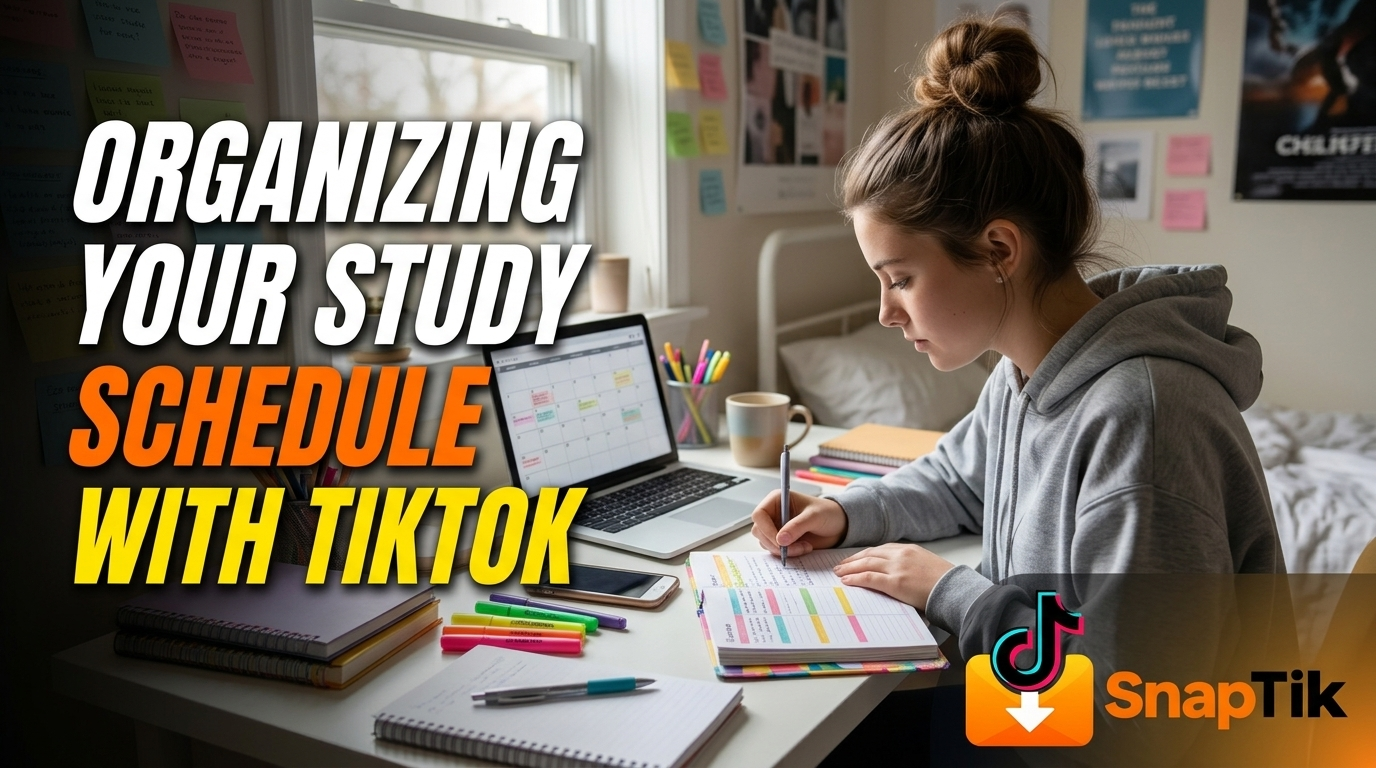
Managing academic deadlines, exam preparation, and daily coursework can feel overwhelming when your planner looks like an endless wall of text. Over the past few years, however, a vibrant community of students and educators on short-form video platforms—often referred to as StudyTok—has completely reimagined how learners structure their days. Rather than serving solely as a distraction during study breaks, these bite-sized videos have become a surprisingly practical source of time-management frameworks, digital planning tutorials, accountability routines, and workspace setups.
When approached with intention, short-form educational content helps turn vague study goals into repeatable daily habits. From time-blocking templates and Pomodoro timer demonstrations to color-coded Notion walkthroughs, students around the world share visual systems that make organizing a semester both manageable and motivating. Below is a comprehensive guide on how to use these community-driven strategies to design, refine, and stick to a study schedule that actually works.
Why Visual Study Planning Works So Well
Traditional time-management advice often fails students because it relies on abstract rules rather than visible, step-by-step execution. Reading an article that tells you to "prioritize high-yield tasks" or "plan your week on Sunday" rarely shows what that looks like in real time. Short-form study videos bridge that gap by letting you watch another student map out an entire week of lectures, lab reports, and revision blocks in sixty seconds.
Seeing someone physically write down assignments, divide a large research paper into thirty-minute micro-tasks, or adjust a calendar after falling behind removes the friction of starting from scratch. Visual demonstrations also normalize the messy reality of student life. Instead of presenting an impossible standard of twelve-hour daily study marathons, top student creators show realistic schedules that account for part-time jobs, commuting, rest days, and unexpected schedule changes.
Furthermore, the brevity of the format forces creators to distill complex productivity methods into their clearest components. You do not have to wade through a three-hundred-page self-help book to learn how spaced repetition works or how to set up an Eisenhower Matrix; you can watch a concrete example during a five-minute break and immediately apply it to your own syllabus.
Curating an Algorithm That Supports Your Goals
If your feed is currently filled with comedy sketches, gaming clips, and late-night recipes, opening the app during a study session will naturally pull your attention away from your desk. The first step in turning the platform into a scheduling tool is deliberately training your feed so that educational and organizational content surfaces automatically.
Start by creating a dedicated study profile or intentionally resetting your watch habits on your existing account:
- Search Targeted Hashtags: Spend ten minutes searching specific tags such as
#StudyTok,#StudySchedule,#TimeBlocking,#AcademicWeapon,#NotionForStudents, and#ExamPrep. Watch the most helpful videos all the way through and save them to a dedicated collection. - Engage Selectively: Like, bookmark, and comment only on videos that demonstrate actionable planning methods, calendar setups, or subject-specific study routines.
- Filter Out Distractions: Whenever unrelated entertainment videos appear while you are browsing for study tips, tap "Not Interested" immediately. Within a few days, your feed will shift toward syllabus breakdowns, planner reviews, and productivity systems.
- Organize Saved Collections: Group your bookmarked videos into folders such as "Weekly Planning," "Exam Revision," "Digital Templates," and "Focus Techniques" so you never waste study time endlessly scrolling to find a tip you saw last week.
Popular Time-Management Frameworks on StudyTok
Student creators regularly test and adapt classic productivity systems to fit high school and university workloads. Exploring these popular frameworks helps you choose a structure that matches your energy levels and course demands.
Time-Blocking for Predictable Routines
Time-blocking is arguably the most popular scheduling method demonstrated across student feeds. Instead of maintaining an open-ended to-do list that grows longer every day, you assign every task a specific start and end time on your calendar. Creators frequently show how they color-code blocks by category—for example, blue for lectures, green for active recall sessions, yellow for assignment drafting, and gray for meals and exercise. By giving every hour a clear job, you eliminate the mental fatigue of deciding what to work on next.
The 50/10 and 25/5 Pomodoro Variations
Timer-based study routines are staples of "Study With Me" clips. While the classic Pomodoro technique uses twenty-five minutes of focused work followed by a five-minute break, many university creators advocate for the 50/10 split when tackling dense reading or problem sets. Fifty minutes allows enough runway to reach deep concentration without interruption, while the ten-minute break provides adequate time to stretch, hydrate, and reset before the next block begins.
Retroactive Revision Timetables
Instead of planning forward from today's date, medical and law students frequently showcase retroactive revision timetables—often built in spreadsheets or Notion. In this system, you list every topic in a course down the left column and record the date each time you review it, coloring the cell red, amber, or green based on how confident you felt. Rather than following a rigid calendar that falls apart the moment you get sick or busy, a retroactive timetable dynamically highlights which weak topics need your attention next.
The Sunday Reset Ritual
Countless weekly planning videos center around the "Sunday Reset"—a dedicated sixty-to-ninety-minute block every Sunday afternoon used to prepare for the week ahead. Creators walk through clearing off their physical desks, reviewing every syllabus for upcoming quizzes, breaking large projects into smaller milestones, and scheduling non-negotiable rest periods before plugging in study hours.
Building Your Weekly Schedule Step by Step
Watching organizational videos is inspiring, but real progress happens when you translate those ideas onto your own calendar. Follow this structured workflow to build a sustainable weekly schedule inspired by the best student planning practices.
Step 1: Audit Your Fixed Commitments
Before scheduling a single minute of independent study, enter all immovable obligations into your digital or paper calendar. Include class lectures, laboratory sessions, work shifts, club meetings, commuting time, and sleep hours. Seeing your true available hours prevents the most common scheduling mistake: assuming you have forty free hours in a week when you actually have eighteen.
Step 2: Map Deadlines Backward from Exam Dates
Pull out the syllabus for every class and list all exams, essays, and presentations in chronological order. Working backward from each due date, assign realistic preparation milestones. If a research paper is due in four weeks, schedule topic selection in week one, literature review and outlining in week two, rough drafting in week three, and editing plus citation checks in week four.
Step 3: Match Task Difficulty to Your Energy Peaks
Pay attention to the times of day when your focus is sharpest. Many student creators emphasize scheduling cognitively demanding work—such as practice exams, coding assignments, or dense textbook chapters—during your peak energy window, whether that is early morning or late afternoon. Save lower-energy administrative tasks like formatting bibliographies, organizing notes, or replying to emails for periods when your concentration naturally dips.
Step 4: Leave Buffer Blocks for the Unexpected
A schedule packed to 100% capacity will collapse the moment an assignment takes longer than expected or an emergency arises. Build two or three empty "catch-up blocks" into your week—such as Friday afternoon or Sunday morning. If everything goes according to plan, those blocks become bonus free time; if you fall behind, they absorb the overflow without derailing your entire week.
Saving and Organizing Study Clips for Offline Reference
One major drawback of relying on a social media app for study schedules, timer prompts, or quick subject explanations is the temptation to keep scrolling once your planned break is over. Many organized students solve this problem by downloading their favorite planning tutorials, printable template walkthroughs, and concise formula breakdowns so they can review them offline on a laptop or tablet with Wi-Fi turned off.
If you want to keep a clean, distraction-free archive of helpful study videos on your device, you can save them in four straightforward steps:
- Open your preferred web browser and go to a search engine or directly to the address bar.
- Type in the URL https://SnAPTikK.io/ to load the video-saving tool.
- Copy the share link of the TikTok study video you want to keep and paste it into the input box on the page.
- Click the download button to save the video to your device in high quality without needing any account signup and without a distracting watermark covering the on-screen text or planner templates.
Once saved locally, you can drop these clips directly into your digital notebook, embed them alongside your weekly Notion dashboard, or play them on repeat during study sessions without ever opening a social feed.
Avoiding Common StudyTok Traps
While short-form educational content offers tremendous value, it also comes with subtle pitfalls that can undermine your productivity if you are not careful. Recognizing these traps ensures that your planning tools serve your education rather than becoming a form of disguised procrastination.
Aesthetic Perfectionism Over Actual Studying
It is easy to spend three hours watching stationery hauls, downloading custom fonts, and color-coding a digital planner while avoiding actual textbook reading. Remind yourself that a plain notebook with a single black pen and a clear list of three priorities beats an intricate, rainbow-coded dashboard that you never follow. Focus on function first and visual polish only after your study blocks are consistently completed.
Copying Someone Else's Unattainable Routine
Every student has a unique course load, learning speed, and personal life. A creator filming a "5:00 AM to 10:00 PM Productive Day" video may have a completely different major, fewer extracurricular responsibilities, or may be showcasing an unusually intense exam week rather than their everyday baseline. Use creators' schedules as templates to adapt, never as rigid benchmarks to judge yourself against.
Passive Watching Instead of Active Execution
Saving fifty videos about active recall, spaced repetition, and time-blocking does not improve your grades unless you close the app and put those methods into practice. Adopt a strict rule: for every ten minutes you spend browsing study tips, commit to at least fifty minutes of offline, uninterrupted execution.
Integrating Short-Form Micro-Lessons into Daily Study Blocks
Beyond overarching schedule design, short-form videos can also fit directly inside your study sessions as targeted micro-lessons. When you encounter a confusing calculus concept, a tricky organic chemistry mechanism, or an unfamiliar grammar rule during a study block, a concise sixty-second visual explanation from a peer tutor can often unlock your understanding faster than rereading a dense textbook paragraph.
To keep this strategy controlled, jot down questions on a sticky note while you study rather than picking up your phone immediately every time you get stuck. During your scheduled ten-minute break, look up those specific concepts, watch two or three targeted explanations, take brief notes, and return to your practice problems when the timer restarts. This keeps your momentum intact while still letting you benefit from rapid, visual peer teaching.
Reviewing and Adjusting Your Schedule Every Week
No study schedule is perfect on the first try. Treat your weekly plan as a living experiment that evolves throughout the semester. At the end of each week, spend ten minutes asking three simple reflection questions:
- Which scheduled study blocks did I consistently complete, and what made them work?
- Which blocks did I repeatedly skip or postpone, and was it due to poor timing, fatigue, or underestimating how long the task would take?
- What one adjustment will make next week's schedule 10% easier to follow?
By combining the visual inspiration and practical frameworks of StudyTok with honest weekly reflection and distraction-free offline study habits, you transform short-form video from a time sink into a reliable academic ally. Start small this week—pick one planning framework, map out your top priorities, and build a schedule that supports both your grades and your well-being.